Safety for academies

Your students are safe. Your teachers are watched. You stay in control.

When you bring students to LearnlyPro, they stay your students. Teachers teach them inside your academy — and nothing more. Every class is watched by AI and can be checked by your admins.
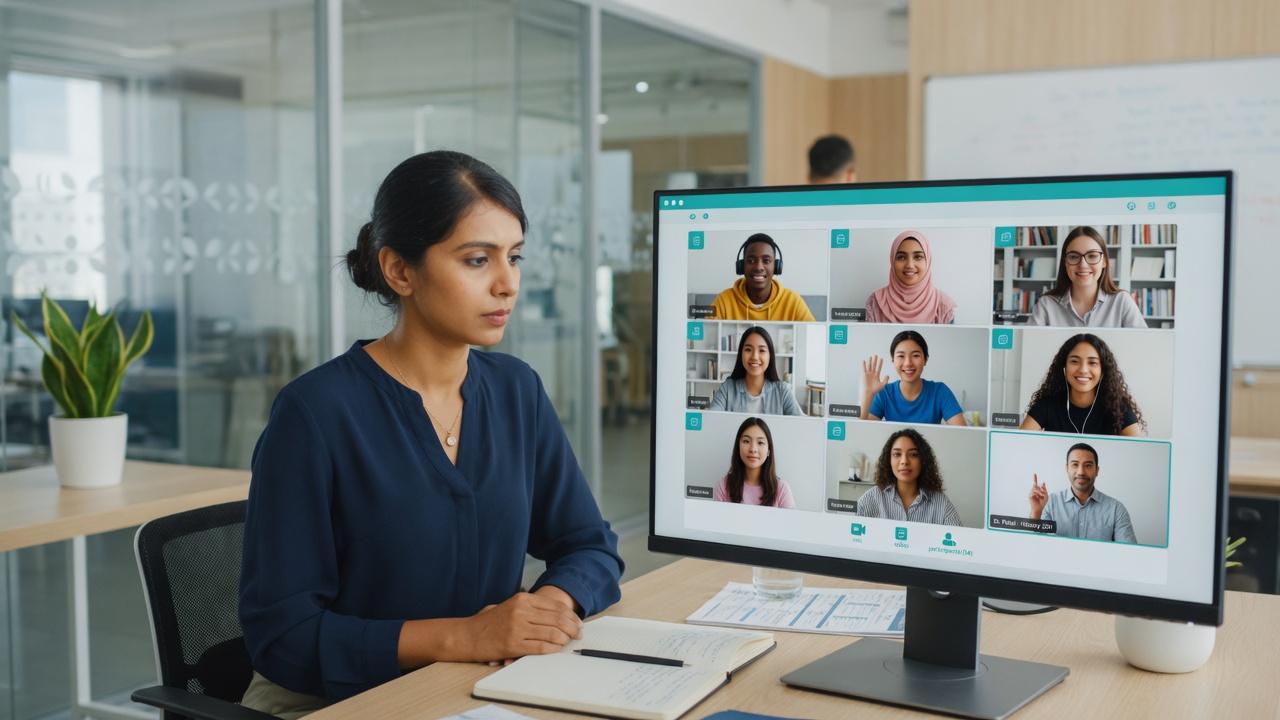
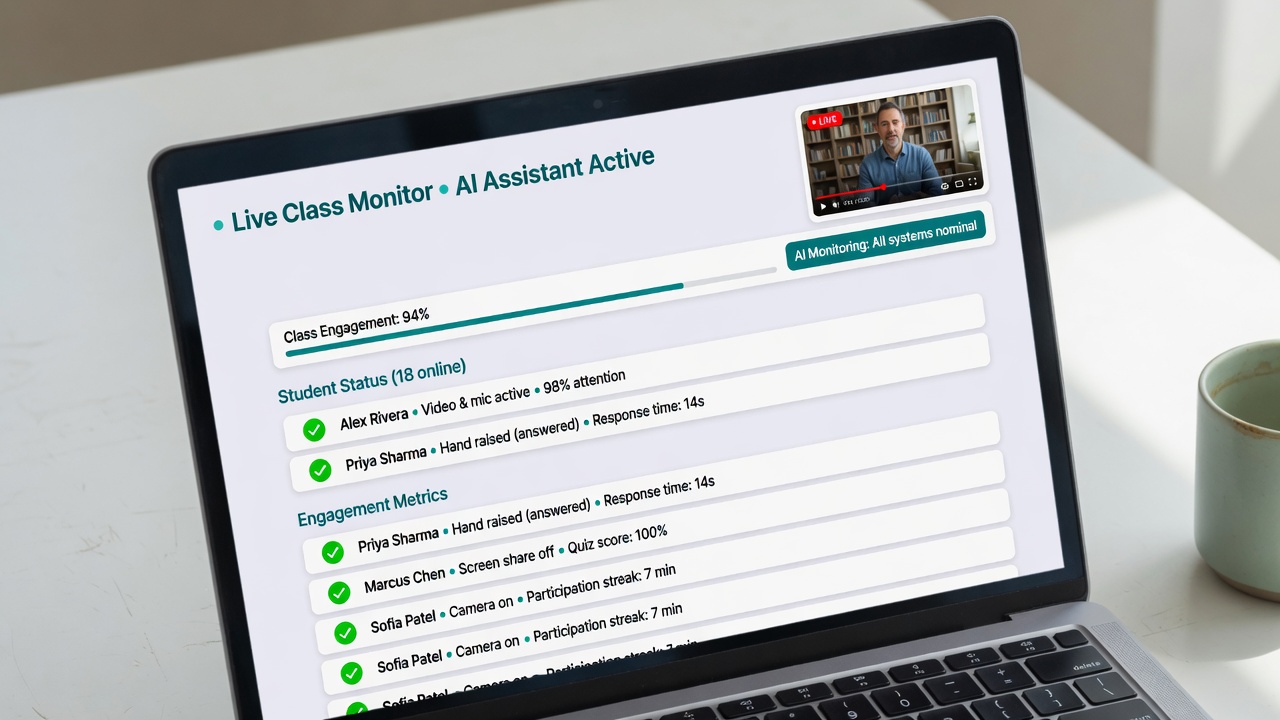
Academy admin watching a live class

Rule 1: Teachers cannot reach your students outside your academy.

This is built into the system. It is not a promise in a policy — the buttons simply do not exist.

What a teacher CANNOT do

  • Cannot search for any student on LearnlyPro.
  • Cannot see a student's phone number, email, home address or social media.
  • Cannot add a student to their own private class or another academy.
  • Cannot message a student privately. All chat happens in class channels your admins can read.
  • Cannot download student lists or contact details.

What a teacher CAN do

  • Teach the classes you assign to them.
  • Mark attendance, homework and tests.
  • Talk to students in the class chat — visible to your admins.
  • Share notes and recordings inside your academy only.

If a teacher leaves your academy, they lose access to your students the same minute.

Live monitoring

Two sets of eyes on every class: AI and your admin.

AI monitoring watches every live class while it happens. It listens and looks for problems — and tells your admin right away.

Admin monitoring lets you or your staff join any live class silently, at any time. Students and teachers keep learning; you just watch.

  • Join silently — no camera, no sound, no interruption.
  • See all live classes on one screen, like a security room.
  • Get alerts on phone and email the moment something is wrong.
AI monitoring screen
Personal details sharedTeacher said a phone number at 14:22 · Grade 9 Physics · clip saved for review
⏰ Teacher late — 7 minIELTS Batch B started at 6:07 pm, scheduled 6:00 pm
Teacher offline — 4 minCamera and mic dropped during Quran Level 2
Low focusTeacher looked away / on another tab for 9 min
Class completed — all clearCoding 101 · 58 min · 24 students · no issues

Clear reports after every class.

You don't need to watch hours of video. The system tells you what happened, in plain words.

  • Late: the teacher started after the class time.
  • Offline: the teacher's camera, mic or internet dropped.
  • Not focused: the teacher was away, busy on another screen, or not teaching.
  • Personal details: a teacher or student shared a phone number, email, social media or address. The words are hidden from students and flagged to you.
  • Recording check: every class is recorded. Your admins can jump straight to the flagged moment.

Run your staff and money in the same place.

Free tools for the office side of your academy.

HR and finance tools

Teacher documents

CNIC/ID, degrees, contracts and police checks stored safely. Get reminders before they expire.

HR

Hiring, leave, attendance and performance — based on real class reports.

Finance

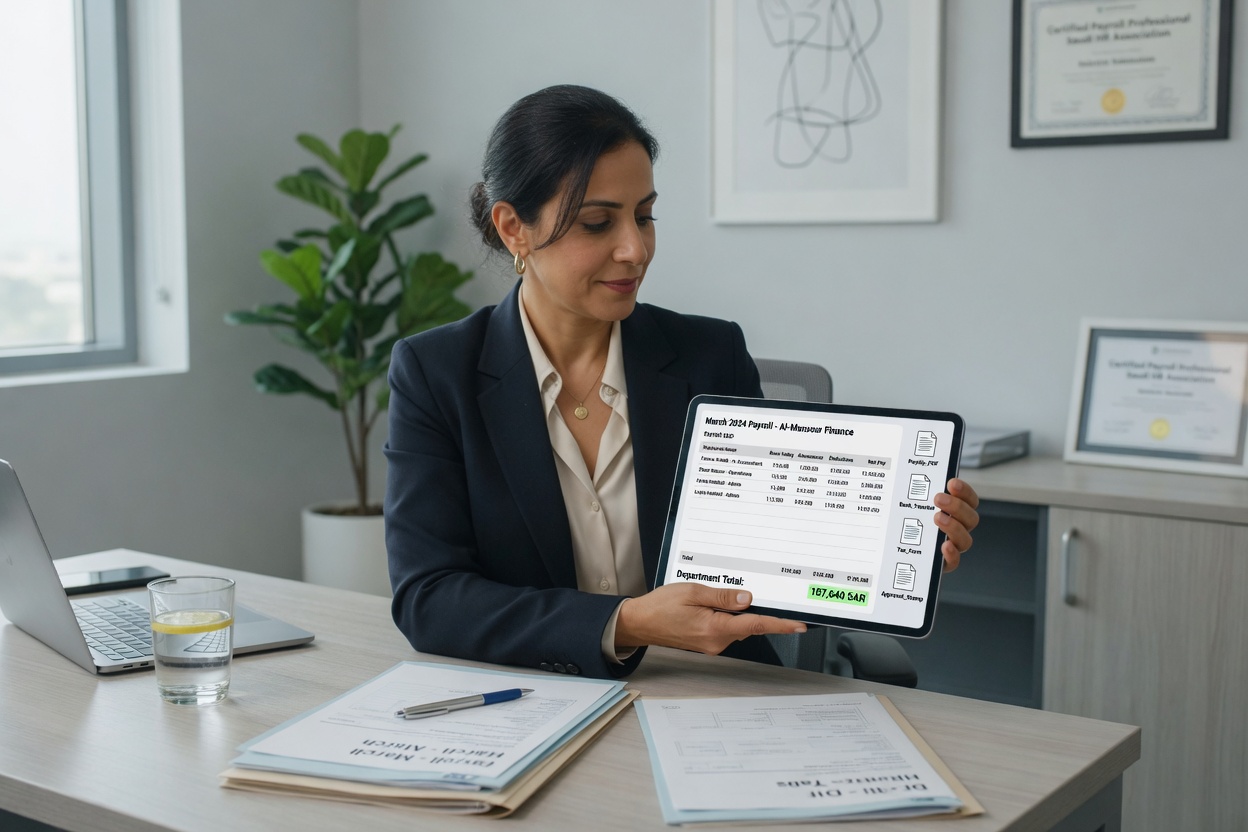
Student fees, teacher pay and expenses. See profit for each branch.

More tools

Timetables, parent app and website. Growth Bot is a separate Hol-hub marketing tool (Free and Paid).

Common questions

Can a teacher take my students to another academy?

No. Teachers never see student contact details, and they cannot add or search students. Students belong to your academy.

Do I have to watch every class?

No. AI watches every class for you. You only check the moments it flags.

Does this cost extra?

No. Monitoring, reports, HR and finance tools are 100% free for academies.

Who runs the whole platform?

A hidden Hol-hub Super Admin can monitor and control the full network across academies to keep the system safe and working. Academy owners still run their own academy day to day.

Bring your academy. We keep it safe.

100% free for academies. No card needed.

Start free